Netgear EX6410 Setup, Smart Connect, FastLane, AP Mode & Reset
Official sources used for this guide
- NETGEAR EX6410 support and downloads
- NETGEAR: Set up a WiFi range extender
- NETGEAR: Troubleshoot access to mywifiext.net
Menus, LEDs and supported features vary by model and firmware. Check the model label and current manufacturer documentation before changing settings.
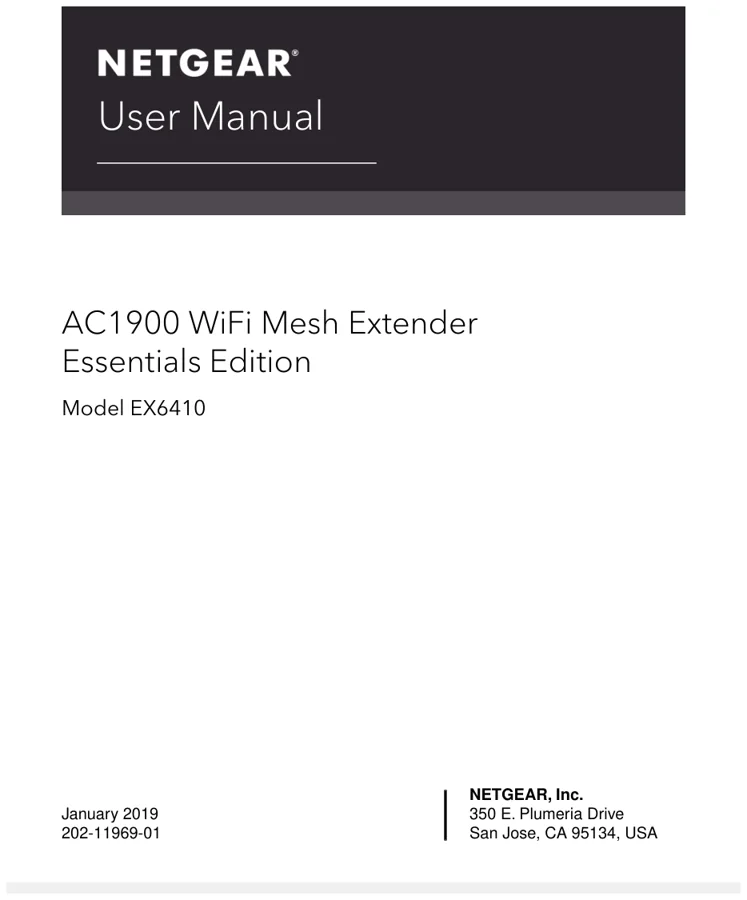
EX6410 is an AC1900 WiFi Mesh Extender Essentials Edition with One WiFi Name, Smart Connect, FastLane technology, access point mode and Ethernet connectivity.
1. Netgear EX6410 Overview
The EX6410 manual exposes more network-tuning options than basic extenders. In addition to One WiFi Name, it includes Smart Connect, 20/40 MHz coexistence controls and FastLane for video-streaming scenarios.
2. Netgear EX6410 setup Guide
Install in extender mode by WPS or the NETGEAR installation assistant, then use One WiFi Name if you want the extender to reuse the router's SSID. For access point mode, connect Ethernet from the router to the extender and follow the AP setup prompts.
3. EX6410 Smart Connect, FastLane & Channel Coexistence
The EX6410 manual exposes more network-tuning options than basic extenders. In addition to One WiFi Name, it includes Smart Connect, 20/40 MHz coexistence controls and FastLane for video-streaming scenarios.
| Feature | EX6410 detail |
|---|---|
| WiFi class | AC1900 mesh extender |
| Features | One WiFi Name + Smart Connect |
| Performance mode | FastLane |
| Modes | Extender / Access Point |
| Reset | 7-second reset procedure |
4. Netgear EX6410 Login & Local Management
Use www.mywifiext.net when One WiFi Name is off. With one shared SSID, use the local hostname or assigned extender IP according to the client platform. Administrator recovery is handled through the security questions created during setup.
5. How to Reset Netgear EX6410
Hold the Reset button for seven seconds until the Power LED changes to amber, then release it and wait for the EX6410 to reboot.
6. Netgear EX6410 Firmware Update
EX6410 supports online firmware checking and manual upload from the web interface. Save configuration changes before maintenance and never interrupt an active firmware write.
7. Netgear EX6410 Troubleshooting
8. EX6410 Smart Connect and FastLane checks
If Smart Connect is enabled, a client can move between 2.4 GHz and 5 GHz without the SSID changing. Check the actual band and link quality before concluding that the extender is dropping the device. FastLane changes how the radios are used between router and clients. If performance became worse after enabling it, compare with normal dual-band operation rather than immediately resetting the extender.
9. Netgear EX6410 FAQs
What is the main setup method for EX6410?
Install in extender mode by WPS or the NETGEAR installation assistant, then use One WiFi Name if you want the extender to reuse the router's SSID.
How do I log in to EX6410?
Use www.mywifiext.net when One WiFi Name is off. With one shared SSID, use the local hostname or assigned extender IP according to the client platform. Administrator recovery is handled through the security questions created during setup.
How do I reset EX6410?
Hold the Reset button for seven seconds until the Power LED changes to amber, then release it and wait for the EX6410 to reboot.
How should I update EX6410 firmware?
EX6410 supports online firmware checking and manual upload from the web interface. Save configuration changes before maintenance and never interrupt an active firmware write.